Hype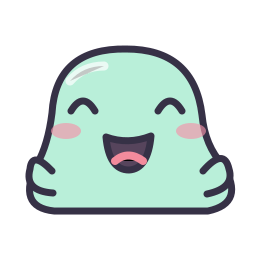 3 PNG SIZES
3 PNG SIZESFind the perfect “that’s so us.”
Original emotes for the wins, the whiffs, and everything in between.
3 PNG SIZES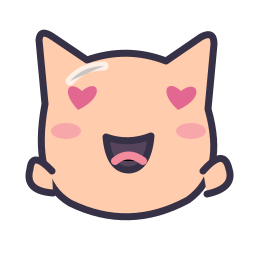 3 PNG SIZES
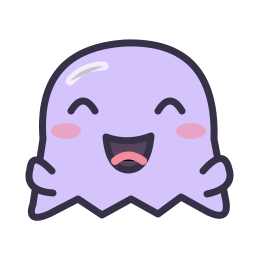 3 PNG SIZES
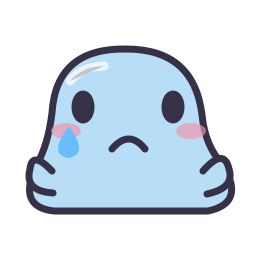 3 PNG SIZES
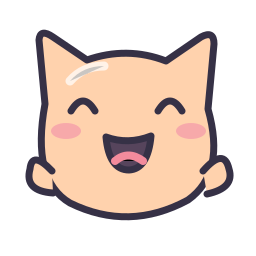 3 PNG SIZES
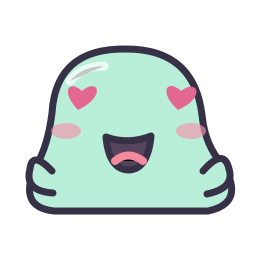 3 PNG SIZES
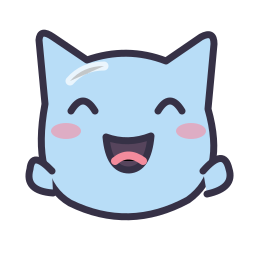 3 PNG SIZES
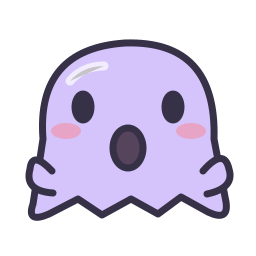 3 PNG SIZES
 3 PNG SIZES
 3 PNG SIZES
 3 PNG SIZES
 3 PNG SIZES
LESS SETUP. MORE STREAMING.
Search by character or browse Hype, Love, Gaming, and Reactions. Pick an expression your audience will recognize in a fast-moving chat.
Download the original crop directly, or choose Customize to open your character in the emote maker. Adjust the framing and preview it in chat.
Extract the downloaded ZIP to find the three PNG sizes. Check the artwork license and Twitch guidelines before adding the files to your channel.
A STARTER PACK WITH CHARACTER
A useful emote collection does more than fill empty slots. It gives viewers a quick way to welcome someone, celebrate a good play, and react together when a stream takes an unexpected turn. This library starts with twelve original characters arranged around common chat moments, so you can build a small set with a purpose.
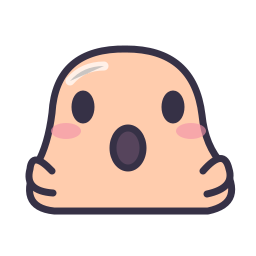
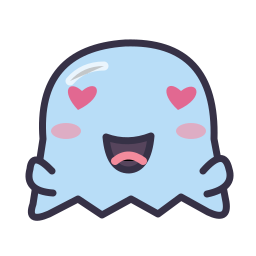
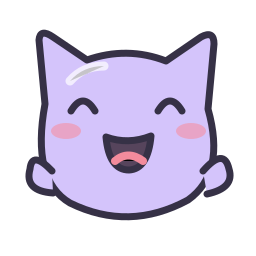
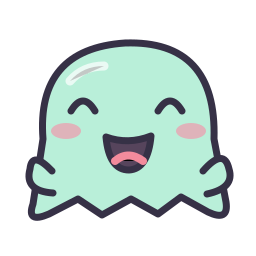
The mint slimes, peach cats, and pastel ghosts share a consistent outline and simple facial features. That makes them easy to combine without making your chat feel like a collection of unrelated clip art. Use the category filters to find a celebration or a little affection, or search for a character name when you already know what you want.
Each download contains three static PNG versions of the same design. The artwork has a transparent background, and the files are sized for Twitch’s manual emote upload workflow. You can also open any character in the maker to adjust its framing. Preview the smallest output carefully: a tighter crop can make an expression easier to read, but it can also trim the hands or ears that give the character its personality.
These starter assets are shared designs, so another channel may use them too. They work well as a first collection, a temporary reaction, or an addition to a more personal set. For an exclusive channel identity, create your own artwork or commission an artist and use the Twitch emote maker to prepare your files.
The starter artwork license allows use and modification on personal and commercial streaming channels, including monetized communities. Attribution is optional. You may not resell the unmodified pack as stock artwork. Keep a copy of the license with your downloads, and consult the size guide if you are unsure which file belongs in each upload field.
A FEW GOOD QUESTIONS
A little help for your next big chat reaction.
Yes. The EmoteMint starter artwork license permits personal and commercial channel use, including monetized streams. You do not need to credit EmoteMint, although attribution is appreciated.
No. The starter designs are available to everyone. You may modify them for your channel, but you cannot claim exclusive ownership of the shared original artwork.
Each ZIP includes 28 × 28, 56 × 56, and 112 × 112 pixel PNG files with transparent backgrounds, plus a short readme linking to the artwork license.
The current maker adjusts framing and size, not colors. To recolor a design, edit the SVG source in a vector editor, export it as PNG, and use the maker to create your Twitch sizes.
You may use the artwork on a commercial streaming channel. You may not resell or redistribute the unmodified collection as a standalone stock asset pack. Read the included artwork license for the complete terms.
KEEP CREATING